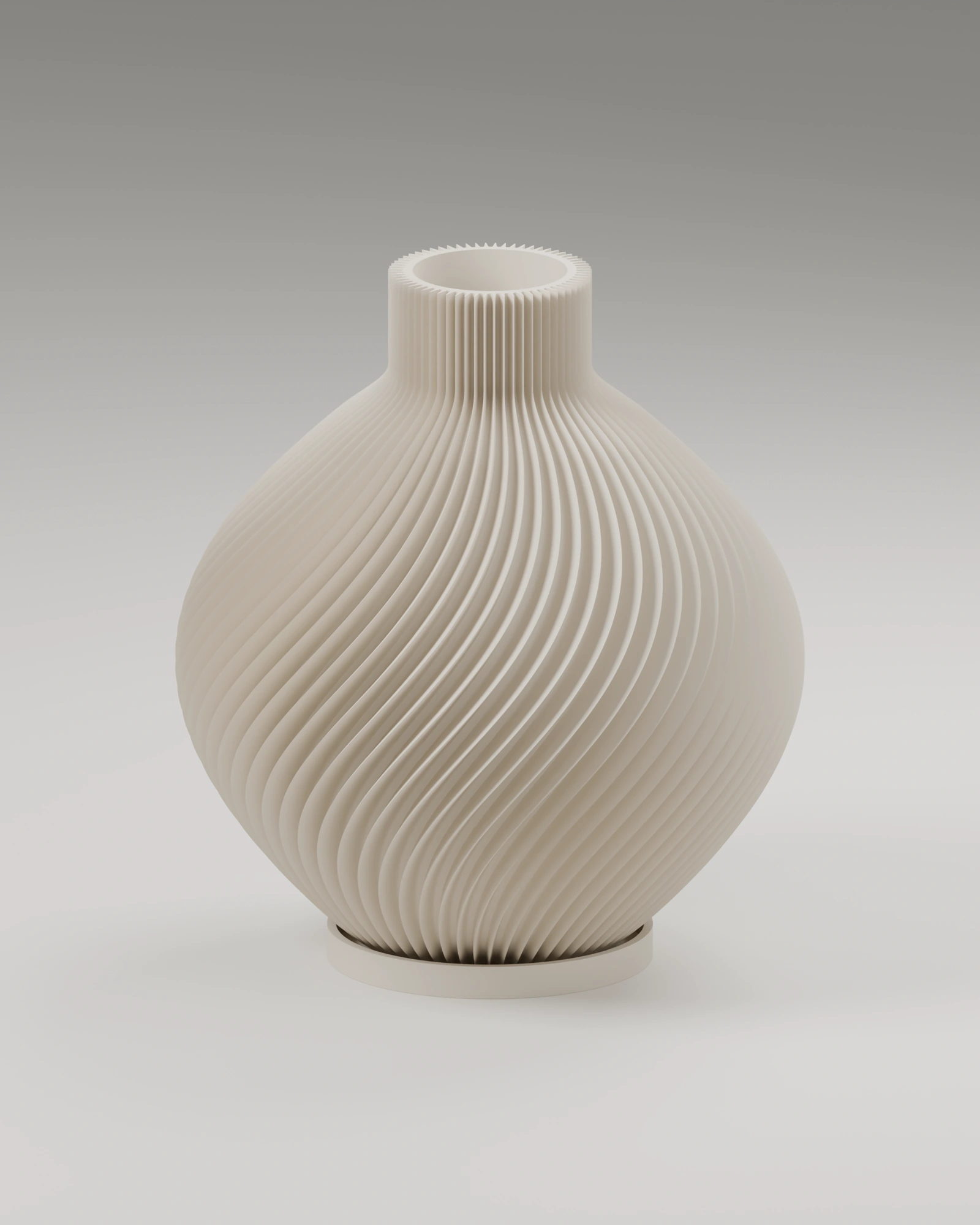
Vessels / Study 01
A study
in form.
Sculptural vases and planters.
Considered forms, with room for your own expression.
Choose a form. Refine its proportions.
Make it with your 3D printer.
The first edit
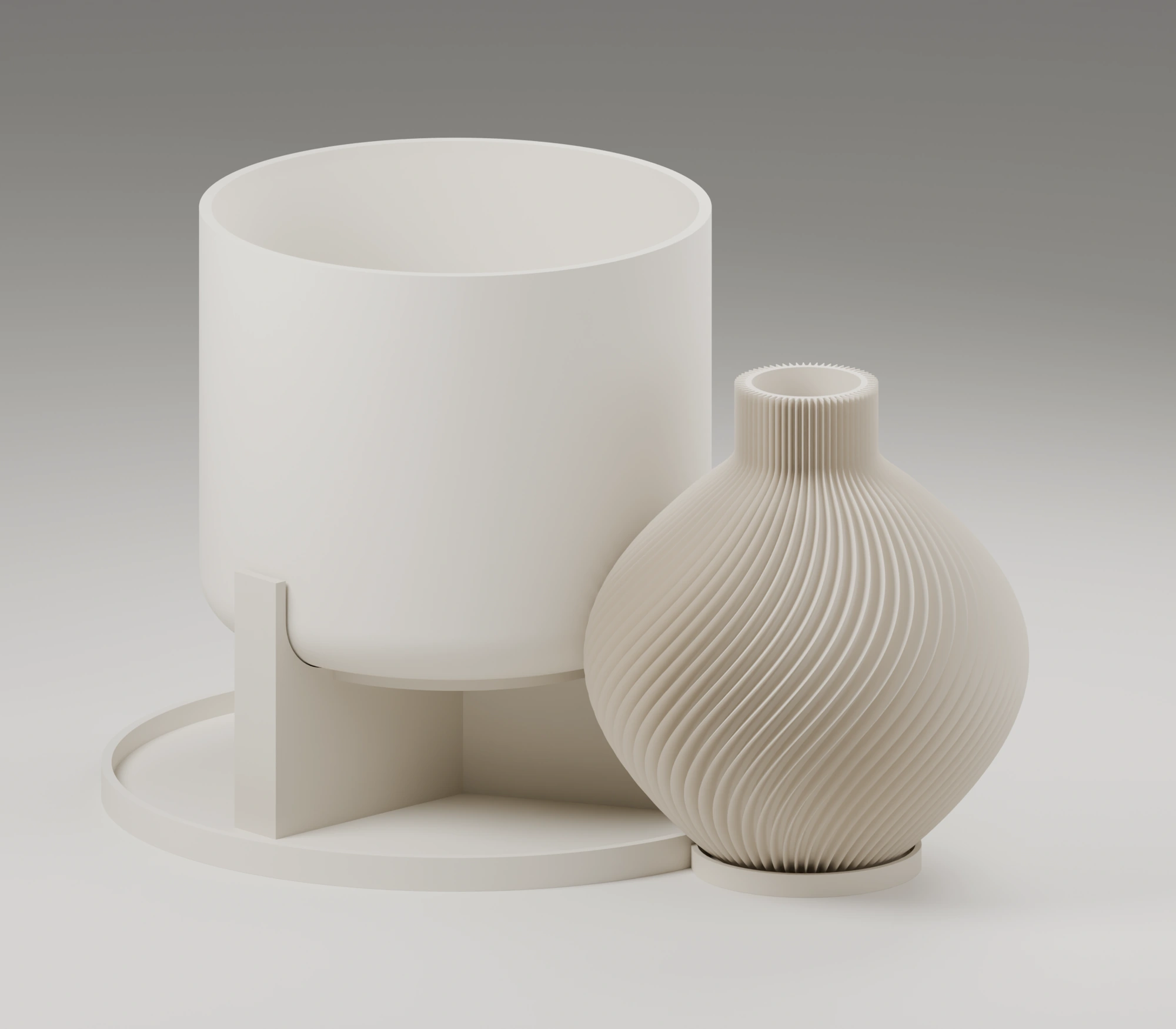
6 forms. A place to begin.
Rounded bodies, repeated lines and open frames.
A small selection to explore at your own scale.
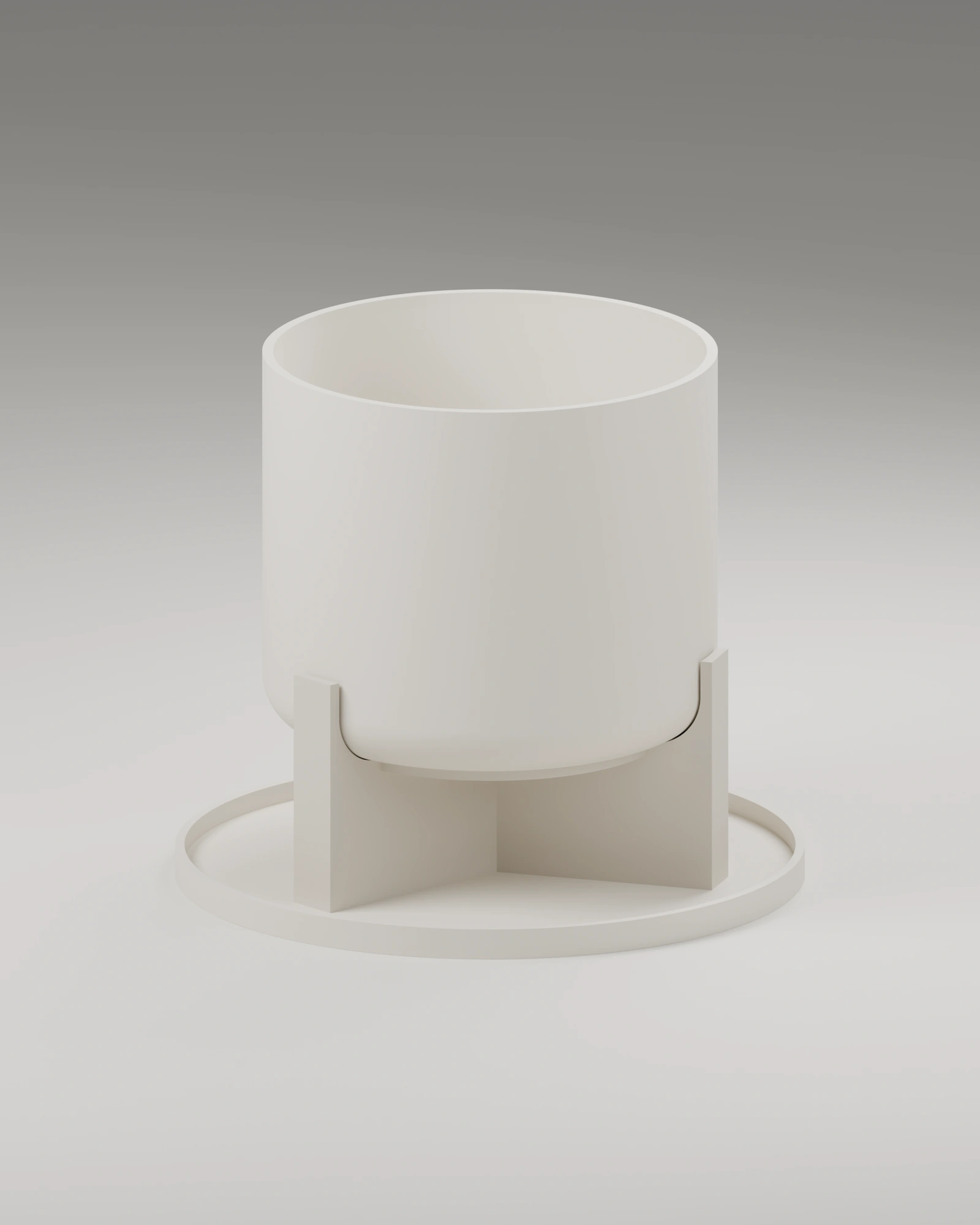
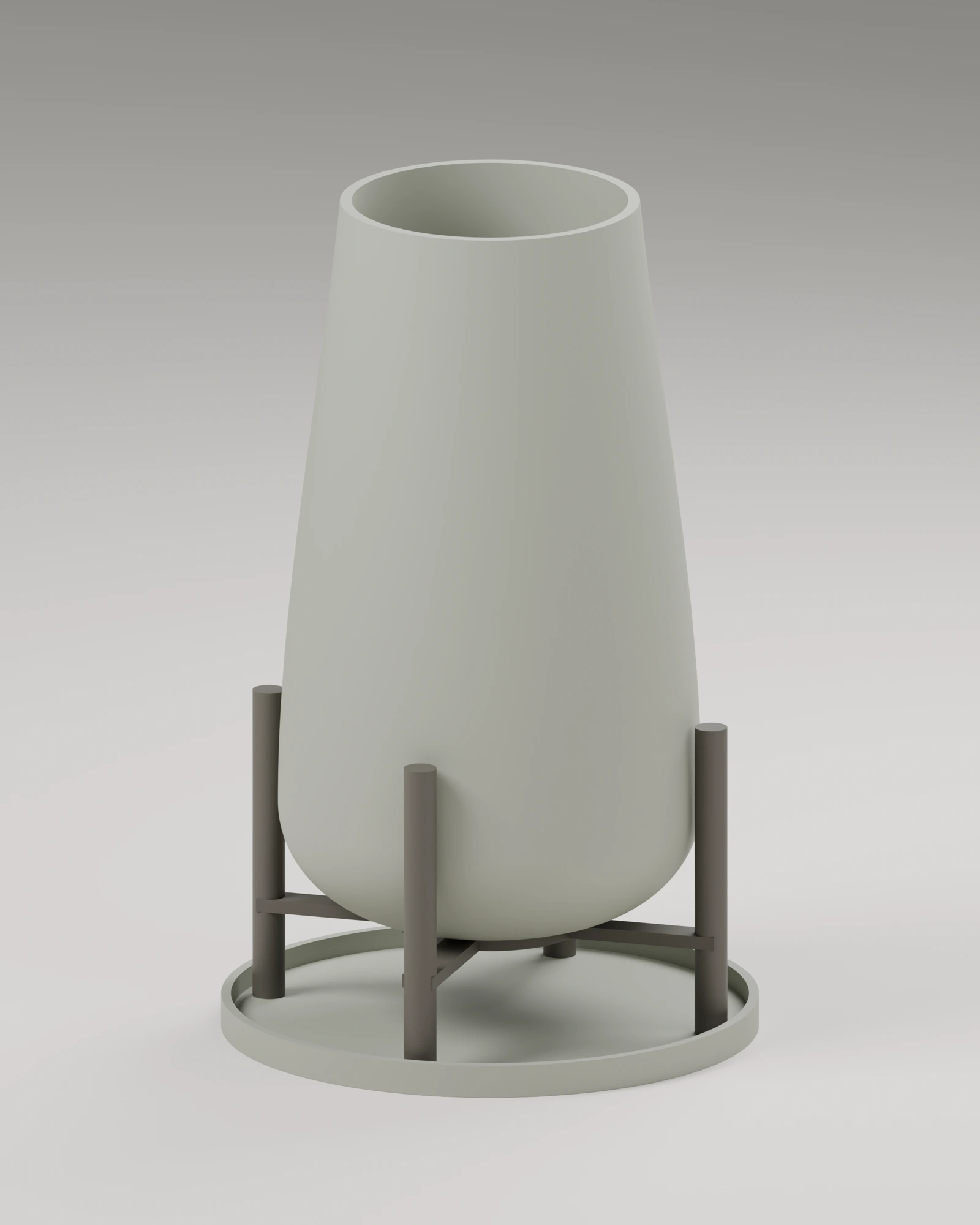
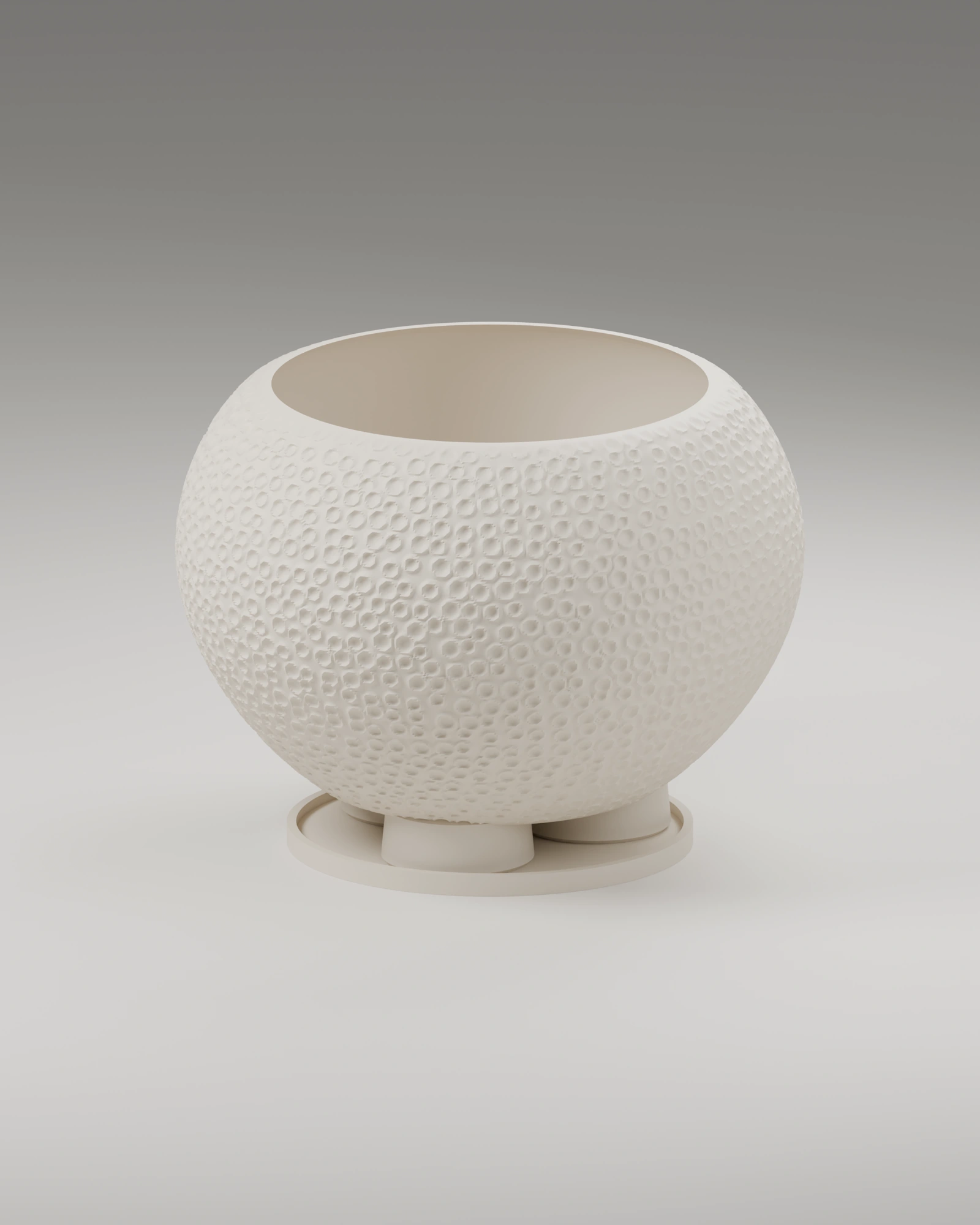
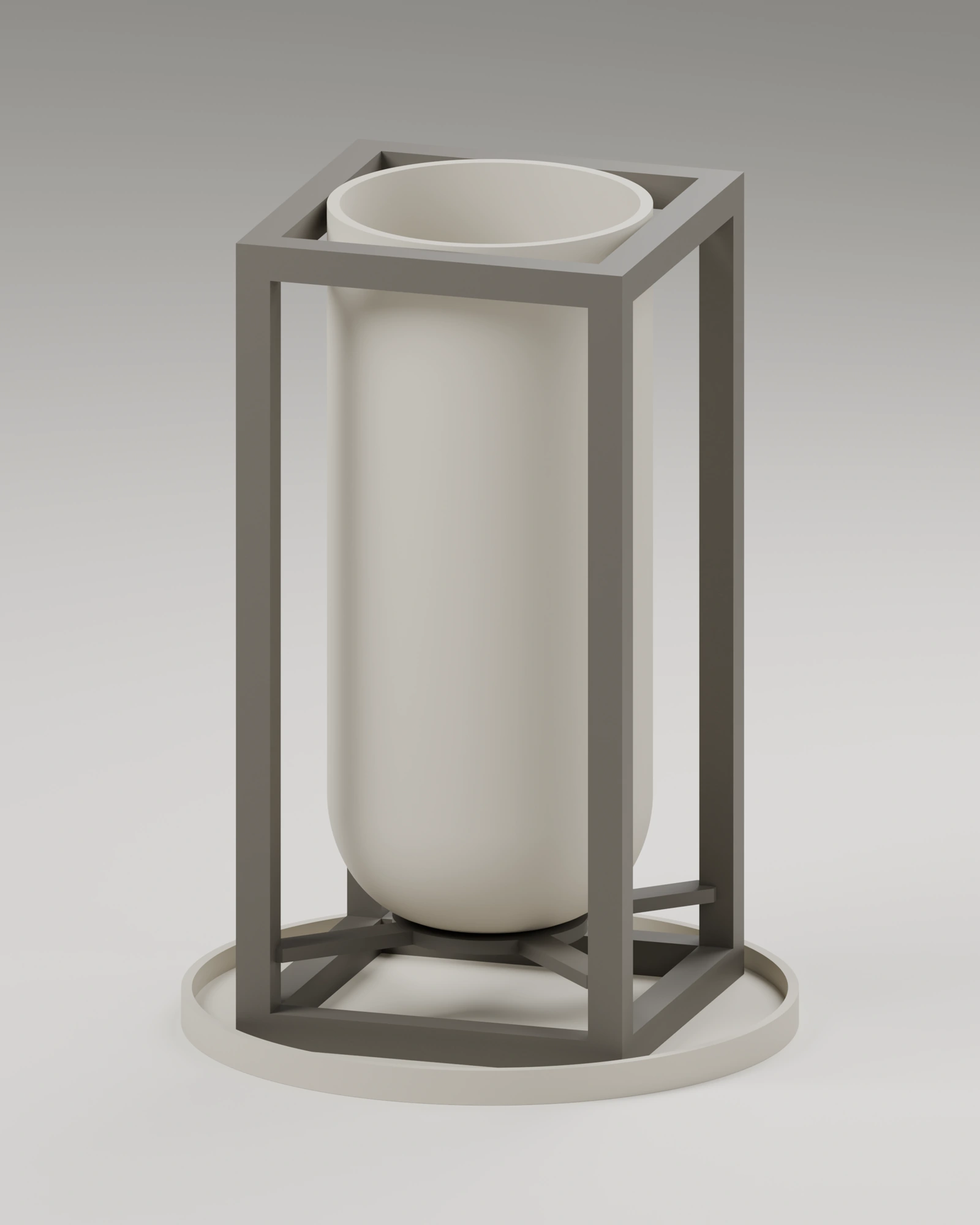
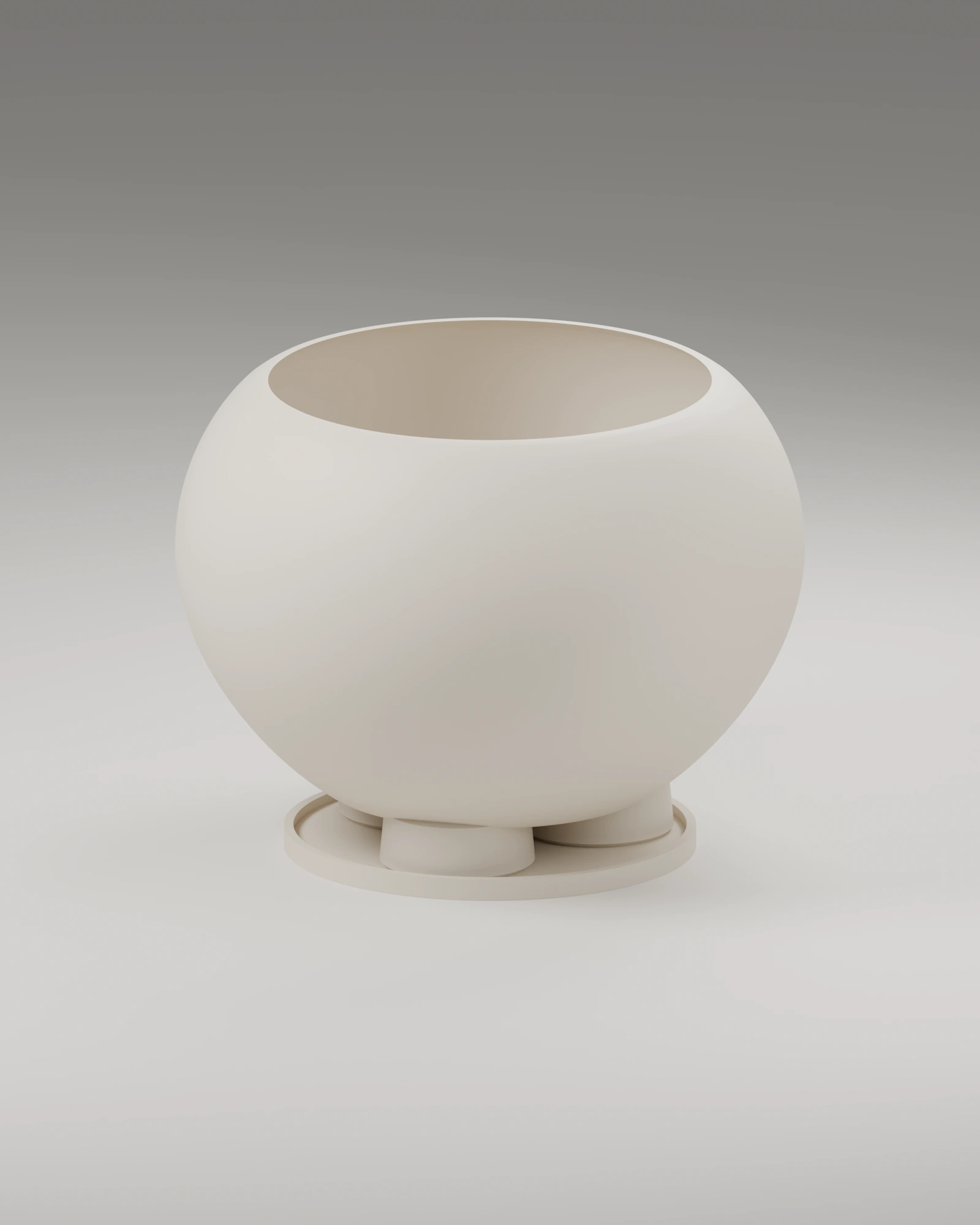
Digital renders. Printed surfaces will show fine layer lines; colour depends on your filament.
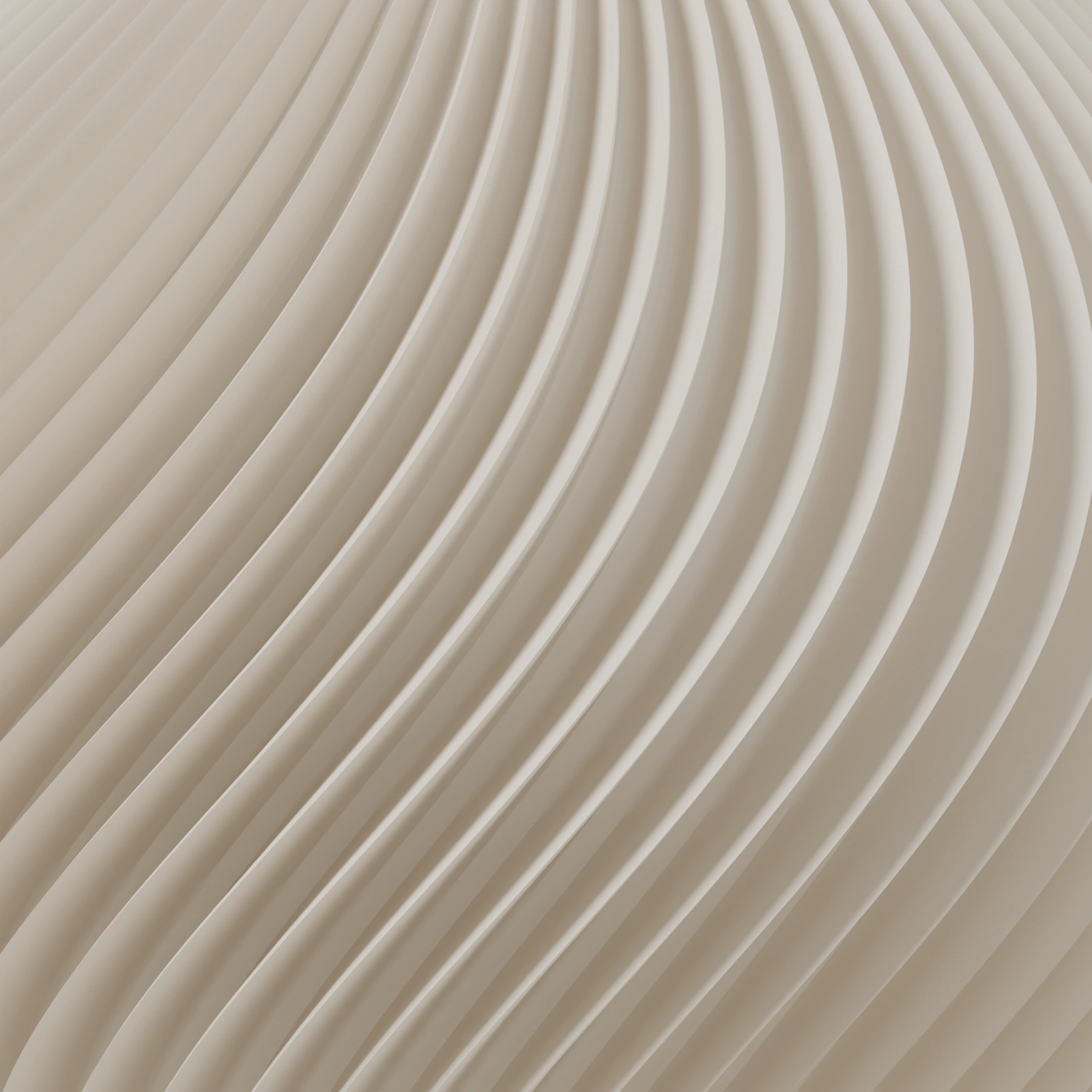 Globe / Surface study · Render
Form, made layer by layer
The process is part
of the object.
Surface and proportion change how a vessel catches light. A small adjustment gives the same form a different presence.
In the Studio, adjust the dimensions and surface of a starting form. Download its geometry, prepare it in your slicer, and build the object in successive layers on your 3D printer.
Explore GlobeYour interpretation
From an object
to your object.
- 01
Choose a form
Start with a vessel from the edit. Explore its silhouette and surface.
- 02
Refine in the Studio
Adjust the size, proportions and finish. Check the opening against your pot or removable insert.
- 03
Make it layer by layer
Download the STL and 3MF kit. Print the fit sample first and review the instructions and support needs before printing the full object.